Gmail can turn a 38 MB video attachment into a Drive link just as you are finishing the message. That changes what the recipient receives: a permissioned file link, not a copy attached to their inbox. If you want to avoid a last-minute access request, decide how to share before you compose.
Google's Gmail Help lists a 25 MB attachment limit for personal accounts, including the combined size of multiple attachments. Work or school limits may differ. Here are the two reliable routes above that threshold and the details most senders miss.
Option 1: Send from Google Drive
Upload the file to Drive, open a Gmail draft, click the Drive icon at the bottom and select the file. Choose a Drive link rather than forcing a traditional attachment. Google's sharing guide says Gmail checks recipients' access and may prompt you to update permissions before sending.
I would prefer the specific-recipient permission for a private contract or client video. “Anyone with the link” is easier for outside recipients but broadens access if the email is forwarded. Test the link in a signed-out browser only if you intend link-wide access.
Drive is a good choice when you want the file to stay available and have enough storage. A personal Google account has a shared free storage allowance across Drive, Gmail and Photos; see Google's storage explanation. A nominal 5 TB maximum file size is not 5 TB of free space.
Option 2: Email a temporary link
If the file is a one-off handoff rather than a shared document, upload it to a transfer service and paste the download URL into Gmail. The email stays small; the recipient downloads the original file from the service. Be explicit about the expiry time in the message.
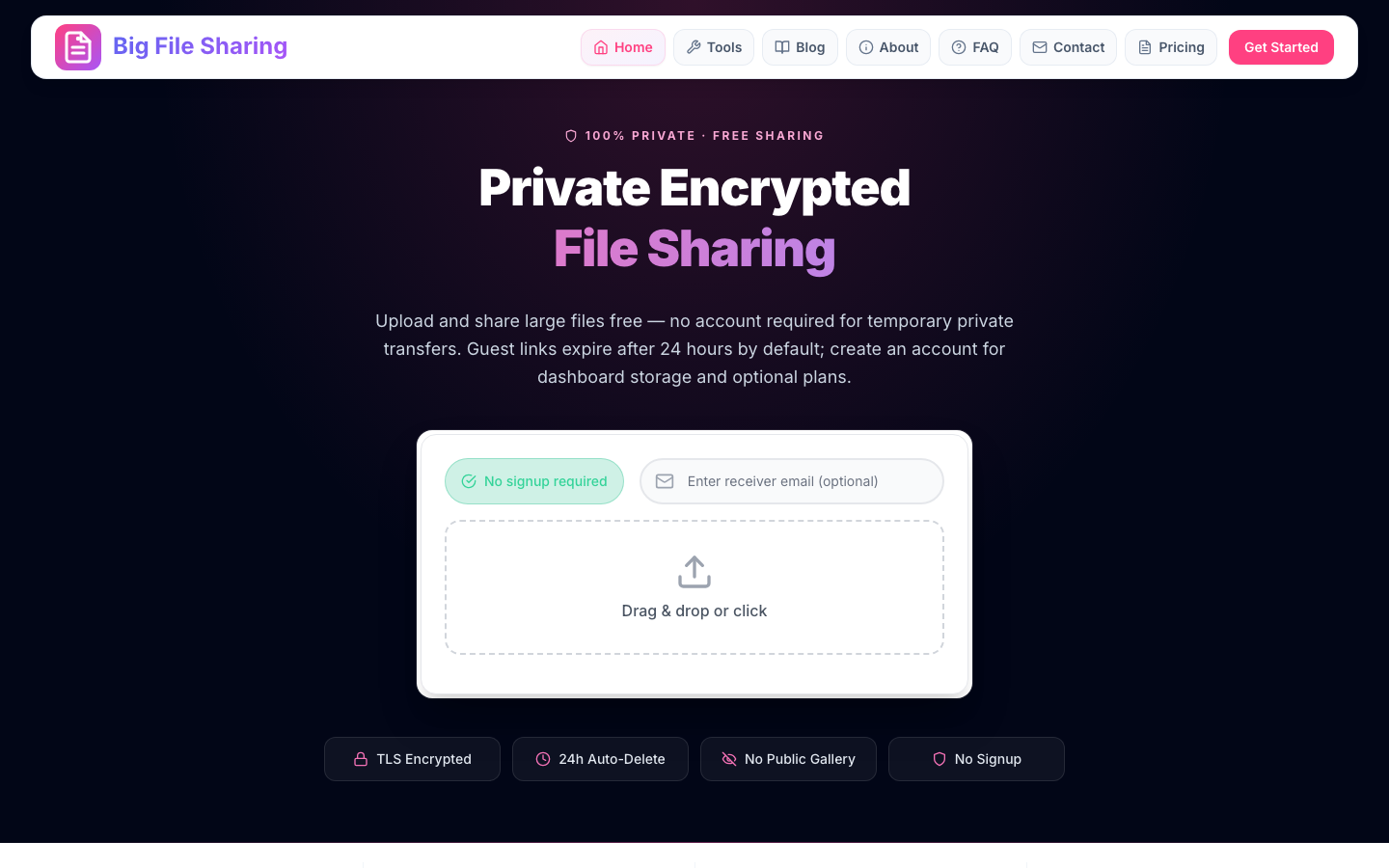
For a first send, Big File Sharing's uploader allows a guest transfer without signup. Guest files expire after 24 hours; later sends require a free account, but temporary sharing remains free. See plans only if you need more permanent storage or longer plan-based retention.
I would write the deadline in plain language, such as “Please download before 3 p.m. Friday, my time.” A vague “link expires tomorrow” can confuse recipients in another time zone. If they miss the window, you will need to re-upload the source file.
When Gmail says the file is too large
Remove the oversized attachment and send a link. Do not split a file into dozens of 25 MB emails unless you and the recipient already have a reliable assembly process. Email encodes binary attachments and is awkward for large videos even when each part fits.
If Gmail automatically adds a Drive link, check which Google account owns the uploaded file. The recipient may see “Request access” if the file is restricted to a different identity. In Gmail's permission prompt, confirm the correct recipient addresses before sending.
When the recipient cannot download
First ask what they see: a permission screen, expired link, browser error or incomplete download. A Drive permission error is fixed in Drive's Share dialog, not by resending the same inaccessible URL. Work or school administrators can also restrict external sharing.
For a transfer link, check whether the retention window has passed and whether the sender's upload fully completed. Tell the recipient to download the file, not judge its final quality from a small preview. If the file is business-critical, compare a SHA-256 hash after download.
How large can the file be?
Gmail's 25 MB threshold applies to the email attachment, not to every file linked in an email. Drive accepts other file types up to a documented 5 TB maximum, provided your account has enough space and any applicable upload limits allow it. A transfer service has its own caps, retention and fair-use rules.
Do not assume a “free” transfer link means any size will work. For this site, we have not published a verified 100 GB end-to-end test or a guaranteed per-file maximum; consult the limits page and test large jobs before promising delivery.
Common questions
Can I send a 1 GB video by Gmail?
Yes, by emailing a link to the video in Drive or a transfer service. You cannot attach a 1 GB video as a normal personal-Gmail attachment. Confirm the recipient can access the link and has enough device storage.
Does Gmail compress a linked video?
Gmail sends the link; it does not re-encode the source video in that email. A service may show a lower-resolution preview, so ask the recipient to download the original file. For exact verification, compare the source and downloaded file hashes.
Can the recipient download without signing in?
That depends on the link's permissions and service. A Big File Sharing recipient can download from a valid private link without an account. Drive can allow broader link access, but restricted files may require an approved account or a permission change.