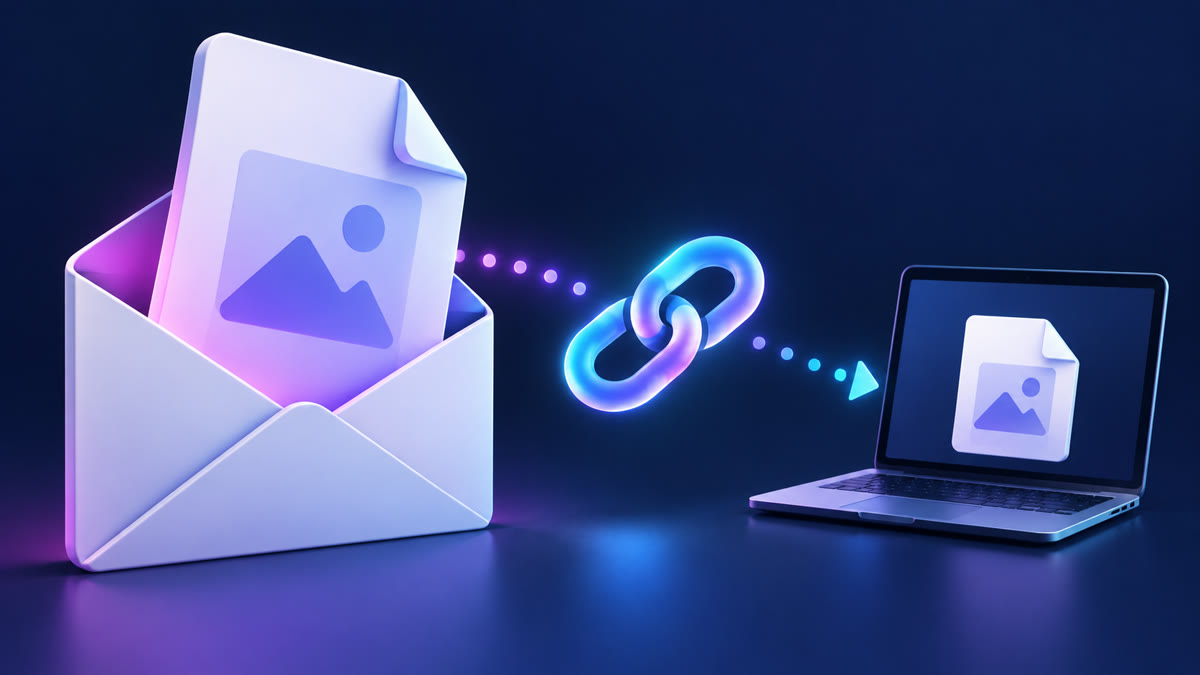
A private file link is easy to forward by accident. I have seen the pattern often: a team uses a long, random URL for a contract or an unedited video, assumes that makes it private, then pastes the same link into a busy email thread. A password changes the risk model because the link alone is no longer enough to open the download.
Password protected file sharing is not complicated, but it works best when you pair it with an expiry date, a sensible recipient list and a clear way to send the password separately. This guide explains the workflow I would use for a client handoff, a financial document or any file that should not remain available forever.
What password protection adds
A private URL is an access token: anyone who receives the URL can usually download the file. Password protection adds a second secret. If the URL is forwarded, copied into the wrong chat or exposed in an email preview, the recipient still needs the password.
That is useful, not magical. It does not make a file end-to-end encrypted, stop an authorized recipient from saving a copy, or repair an already-leaked password. Think of it as one strong layer in a practical sharing process.
I recommend it when the consequences of a forwarded link are more than mild embarrassment: payroll exports, draft legal documents, original client footage, medical paperwork, tax files and launch materials are all obvious candidates. For a public press kit, it merely adds friction.
Start with the right sharing model
Decide whether you are sending a temporary transfer or keeping a permanent copy before you upload. A temporary transfer is for a handoff: the recipient downloads it, the link expires, and the file is removed. Permanent storage is for files you need to manage in your account later.
Big File Sharing’s homepage uploader is useful for a first private temporary transfer without creating an account. Create a free account when you need to manage more sends from My Files; protected links, expiry controls and download controls are available where your account plan includes them.
Do not describe every file link as “encrypted” unless you know the service’s exact security model. TLS protects the transfer between browser and server. Password protection controls access to the link. End-to-end encryption is a separate technical promise and should be named only when the provider explicitly documents it.
How to create a protected link
Upload the final file
Start with the exact version you mean to send. I label files with a version and date before uploading, such as Acme-contract-v3-2026-10-08.pdf. It avoids the awkward moment when the secure link works perfectly but points to yesterday’s draft.
For a group of files, put only related material in the same transfer. A folder containing an invoice, a private key and a marketing image asks the recipient to keep sensitive content longer than necessary. Separate transfers are cleaner and easier to expire.
Choose a temporary link or permanent storage
Temporary is the safer default for a one-time delivery because it naturally limits how long the file stays available. Permanent storage is appropriate when you need a personal archive, ongoing collaboration or repeat access. Review the current plan allowances before treating permanent storage as a backup system.
For guest sends, use the published 24-hour expiry as a real deadline, not an approximation. Tell the recipient before you send. If a client is likely to be away for the weekend, create the transfer after you know they can receive it or use a logged-in workflow with a retention period that matches your plan.
Set a unique password
Use a long, unique passphrase rather than a client name, invoice number or the word “password.” Four unrelated words are easier to communicate and harder to guess than a short, clever-looking string. A password manager can generate and store a stronger one if both sides use one.
Never put the password in the same email as the link. I normally send the link by email and the password through an existing phone number, a trusted chat or a separate message. It is a small extra step that protects you from a single compromised inbox or an accidental forward.
Add an expiry and download cap
Set the shortest expiry that fits the job. A 24-hour review package rarely needs a 30-day link. For highly controlled handoffs, a download limit can also help you spot when a file was retrieved more times than expected; it is a signal to investigate, not proof of misuse.
After sharing, copy the link into a private browser window and make sure it requests the password. Test it before sending the client email. This is the two-minute check I wish more teams performed—especially after changing permissions on a file that was already shared.
Passwords, permissions and encryption differ
These terms are routinely blurred, which creates bad expectations. A password gate checks a secret before it permits the download. Permissions identify a signed-in person or account. Encryption protects data while it moves or, with the right design, while it is stored and decrypted only by intended parties.
Microsoft makes the distinction visible in OneDrive: its sharing documentation says password and expiry settings are available to Microsoft 365 subscribers, while a link can be configured for anyone with the link or specific people. See Microsoft’s OneDrive sharing guide for the current controls.
Google Drive has a different model centred on sharing roles and link access. Its official permissions guide explains viewer, commenter and editor access. That is excellent for collaboration, but it is not the same as adding a password to a download URL.
Five mistakes that weaken a protected transfer
Sending the link and password together
This removes most of the benefit. If someone gains access to that one email or receives the forwarded conversation, they have both factors. Use separate channels and confirm the contact details before sending either one.
Using a predictable password
Client names, birthdays, project codenames and phone numbers are easy to guess or discover. Do not reuse your account password either. A transfer password should be independent and disposable once the recipient has downloaded the file.
Leaving a link open indefinitely
A protected link becomes a forgotten asset if it never expires. The longer it exists, the more inboxes, browser histories and backups may contain it. Use temporary sharing for temporary work, then remove it once the handoff is complete.
Calling a private link public-proof
A recipient can still download, screenshot, copy or forward the file. Passwords control entry; they cannot control everything after access. If disclosure would cause serious harm, reduce the content shared, use a service with a security model your organisation has approved and get legal or security guidance where needed.
Skipping the recipient check
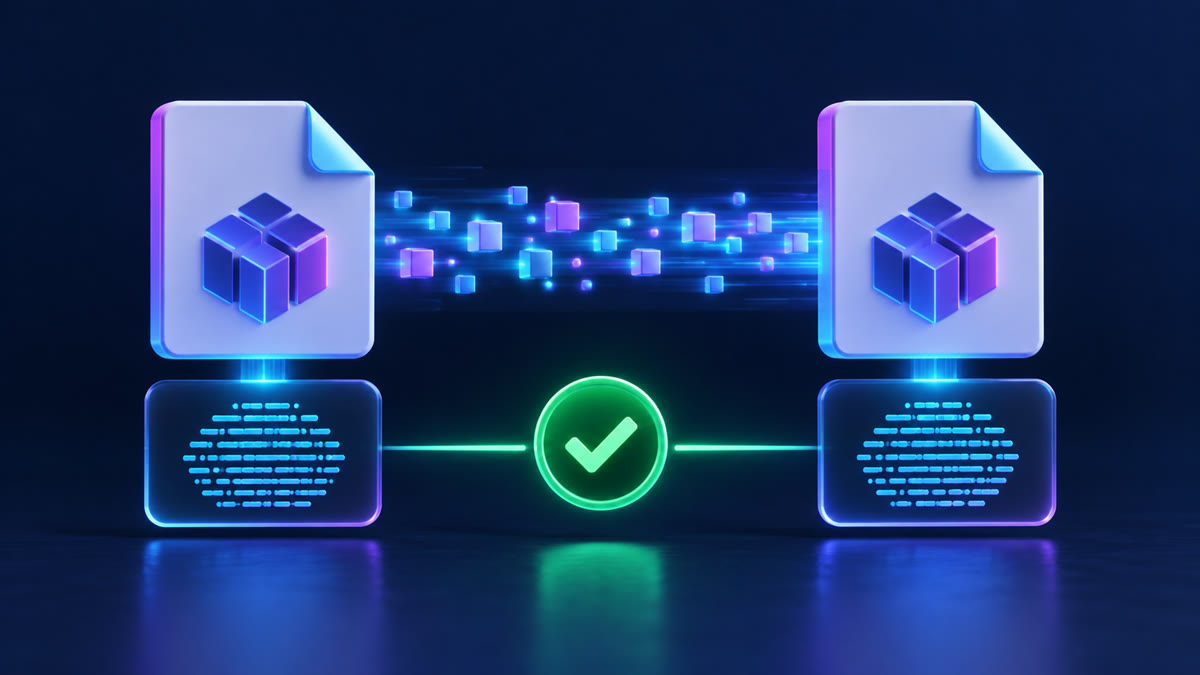
Send a short message after delivery: “Did you download the correct version?” For important media, compare a file hash; for a PDF, confirm page count and version. That confirmation lets you expire the transfer with confidence instead of leaving it live “just in case.”
A practical client handoff example
Imagine you need to send a 1.8 GB pre-release product video to a client. I would upload a temporary transfer, set a unique passphrase, choose an expiry that ends shortly after the agreed review window, and send the private URL to the producer’s confirmed work address.
Then I would send the password by the phone number already on the project, not one included in a fresh email request. The message would name the file, the expiry in a time zone, and a request to confirm download. It is clear, professional and gives the recipient no reason to guess what happens next.
If the client needs revisions over several days, I would create a new transfer for each final version rather than silently replacing a file behind the same link. That preserves a clean handoff trail and avoids the common “which version did I review?” problem.
When a free account is worth it
Guest sharing is deliberately simple: send a first temporary transfer, then use a free account to continue sending and manage your files. Registration should not be a barrier to a one-off transfer, but an account is the better home for repeat work because it gives you an organised place to review links and manage eligible sharing controls.
The free signup is the right next step if you send files regularly. Paid plans are for higher permanent storage, longer retention and other configured allowances—not for taking away the basic ability to share temporary files. Check the limits page and pricing details before promising a particular retention or storage amount to a client.
Questions people ask
Can I password protect a large file?
Yes, the protection is applied to access to the transfer rather than to the file type. The practical limit is the service’s documented capacity, your plan, available storage and your connection. Test a large deadline-sensitive transfer in advance rather than relying on a headline claim.
Is password protected file sharing safe?
It is safer than a link that works for anyone who receives it, especially when the password travels separately and the link expires. It is not a substitute for good recipient verification, device security or an approved encrypted workflow for highly sensitive data.
Can recipients download without an account?
A valid private download link can be opened by the intended recipient without creating a Big File Sharing account. If the link is password protected, they must enter the transfer password. Keep the password in a separate channel and send the expiry time clearly.
What should I do after the file is downloaded?
Confirm the recipient received the right version, then let the temporary link expire or remove access if your workflow permits it. Store a local source copy until the handoff is confirmed. For account-held files, periodically review old links instead of assuming they are harmless.
A simple checklist before send
Use the final version. Set a unique passphrase. Keep the link and password in separate channels. Choose the shortest sensible expiry. Test the link in a private browser window. State the deadline and time zone. Finally, ask for a delivery confirmation.
That checklist is more valuable than a complicated security claim. Password protected file sharing works best when it is part of a calm, repeatable habit: share less, give access for less time, and verify that the right person received the right file.